Can Your iPhone Auto-Reply to a Missed Call?
You are up a ladder, under a sink, or halfway through a job when the phone buzzes in your pocket. By the time your hands are free, the call is gone — and the caller is already ringing the next tradesperson on the list. It feels like a smartphone should handle that on its own. So can your iPhone do that? The short answer is no — not by itself. Android gets a little further, but it stops short too. Here is what each phone can actually do, and what fills the gap.
Last updated 8 November 2026
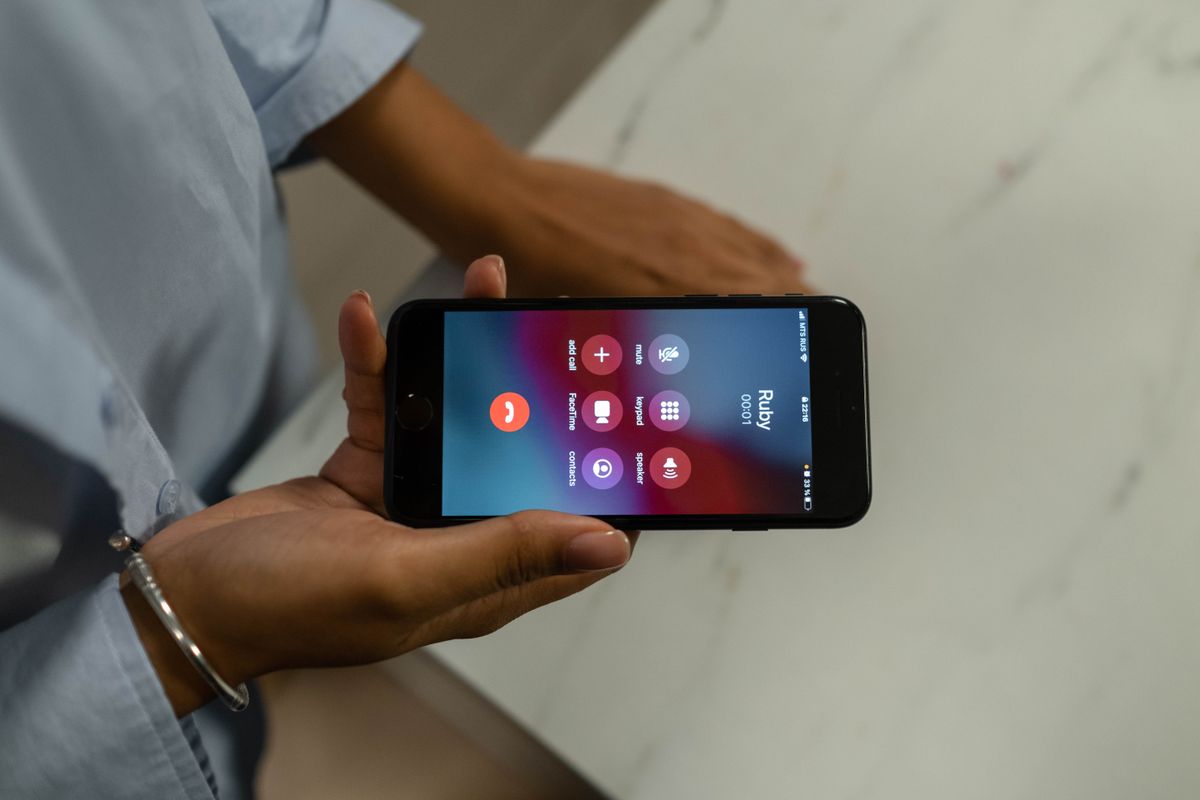
Photo: cottonbro studio on Pexels
This post reflects how iPhone and Android worked as of September 2026, checked against the makers' own help pages. Phone settings change with software updates, so check your own phone's settings if a menu has moved.
The short answer: no — your phone will not do this alone
As of September 2026, no iPhone automatically texts back a missed caller on its own. That is the finding of a setup guide by Nick George, who checked the claim against the makers' own help pages (published 22 September 2026, updated 27 September 2026). Respond with Text needs a manual tap while the call is still ringing. The Driving Focus auto-reply only runs while Driving Focus is on, and only answers the contacts you allow. Android is in the same place: Quick Responses send a preset message when you decline a ringing call, but nothing fires on its own after a call is missed.
iPhone: Respond with Text — what it is, where it lives, and why it needs your thumb
Respond with Text is the “Message” button on the incoming-call screen. Tap it while the phone is ringing and pick one of three preset replies. Apple lets you customise up to three of these messages: go to Settings → Phone → Respond with Text and type your own. The catch is timing: the button only exists while the phone is ringing. Once the call has gone to voicemail, there is nothing to tap and no text goes out. You need a free thumb, too. Still, set it up tonight.
iPhone: Driving Focus auto-reply — the one automatic option, and its limits
Driving Focus is the one genuinely automatic reply Apple offers. Turn it on in Settings → Focus → Driving and, while it is active, your iPhone can send an automatic text saying you are driving and will reply later. But the limits are big. It only runs while Driving Focus is on, so it does nothing on a job site. It only answers the contacts you allow — a new customer calling your business number for the first time is not on that list, so they get no reply at all. It is a driving safety feature, not a business tool. Use it for the drive between jobs.
Android: Quick Responses on Samsung and Google's Phone app — what you can set tonight
Android's equivalent is Quick Responses. In the Phone app settings you can write your own short replies, and when a call comes in you decline it with one of them instead of just hanging up. On a Samsung phone the setting is usually labelled Quick decline messages; in Google's Phone app it is Quick responses. Menus vary by manufacturer — look in the Phone app's own settings. The limit is the same as Apple's: the reply only goes out if you tap it while the call is ringing. Nothing watches your missed calls afterwards. Set your Quick Responses anyway — a one-tap “On a job, I'll call you back in 30 minutes” beats a silent decline.
Google Voice: the free halfway house (and the manual step it still needs)
Google Voice is the closest thing to a free halfway house. It gives your business a separate number, and its app collects missed calls, voicemails and their text transcripts in one inbox. When you spot a missed call, replying is faster — and from your business number, not your personal one. But the reply is still yours to send: Google Voice does not watch for missed calls and text people back on its own. It helps if you check the app between jobs; it does nothing for the call that comes in while you are under a sink.
What a business phone system adds that the phone cannot (Quo/OpenPhone, Grasshopper auto-reply)
This is the step the phone makers never built. Business phone systems such as OpenPhone and Grasshopper are built around the missed call itself: when a call goes unanswered, the system notices and sends a text within about a minute, with your business name and a booking link. Your phone answers the calls you catch; a business system answers the ones you do not — including first-time customers. RingBack works the same way: see how in our missed-call text-back setup guide, or watch it happen in the interactive demo. Business texting has its own rules: keep any auto-reply informational, and read our guide to whether texting back a missed call is legal. That is general information, not legal advice.
When the free route is enough — and when a real text-back pays for itself
The free route is enough when the calls you miss are mostly from people you already know. If you are usually driving between jobs, Driving Focus covers the drive; if you can see the phone ring, Respond with Text or Quick Responses cover the rest. But if your missed calls are new customers ringing while you are on a job, the free settings fail at exactly the moment they are needed. That is when a real text-back pays for itself: every missed call gets an answer within a minute, with your name and a booking link, whether you saw it ring or not. Start free, then try the demo.
Sources
Further reading from the sources cited in this post:
Frequently asked questions
Can my iPhone automatically text back a missed call?
No. As of September 2026, no iPhone automatically texts back a missed caller on its own. Respond with Text needs a manual tap while the call is still ringing, and the Driving Focus auto-reply only runs while Driving Focus is on — and only for the contacts you allow.
How do I set up Respond with Text on iPhone?
Go to Settings → Phone → Respond with Text, where you can customise up to three preset messages. When a call comes in, tap Message and choose one — but only while it is still ringing. Once the call is missed, there is nothing to tap.
Can Android auto-reply to missed calls?
Not automatically after the call is missed. Samsung and Google's Phone app let you set Quick Responses to send when you decline a ringing call, but the reply still needs your tap, and the settings vary by manufacturer.
What is the easiest way to text back every missed call automatically?
Use a business phone system or a missed-call text-back service that watches for missed calls and replies with your business name and a booking link. RingBack does this — try the interactive demo, with 3 free text-backs and plans from $49 a month.
Stop losing calls to voicemail
RingBack Text replies to every missed call in about a minute, with your business name and a booking link. Try it free — you get 3 free text-backs, and plans start at $49 a month (Growth $79, Pro $129).